
Fatoora integration in 2026: connecting CRM, quotations and invoices
For many Saudi businesses, Fatoora integration is the moment e-invoicing stops being a document task and becomes part of the whole sales process. Phase 2 of the ZATCA programme asks your system to talk directly to the Fatoora platform, and the smoothest setups are the ones where your customer records, your quotations and your invoices already share the same data. This article explains how Fatoora integration works in practice and why linking it to your CRM pays off through 2026 and beyond.
We will keep the regulation summary short and spend most of the time on the workflow, because that is what determines whether integration feels effortless or painful.
What Fatoora integration means under Phase 2
ZATCA, the Zakat, Tax and Customs Authority, runs the national e-invoicing programme. Phase 1 Generation, live since 4 December 2021, required electronic invoice creation. Phase 2 Integration, rolling out in waves since 1 January 2023 by revenue threshold, is where your system connects to Fatoora so invoices are cleared or reported automatically.
In this phase, standard B2B invoices are cleared by ZATCA before you send them to the buyer, and simplified B2C invoices are reported within 24 hours and carry a QR code. Invoices must be XML in UBL 2.1, or PDF/A-3 with embedded XML, each carrying a cryptographic stamp. VAT stays at 15 percent. Since onboarding is grouped by revenue band, confirm your date against ZATCA’s current wave announcements.
The data journey from lead to cleared invoice
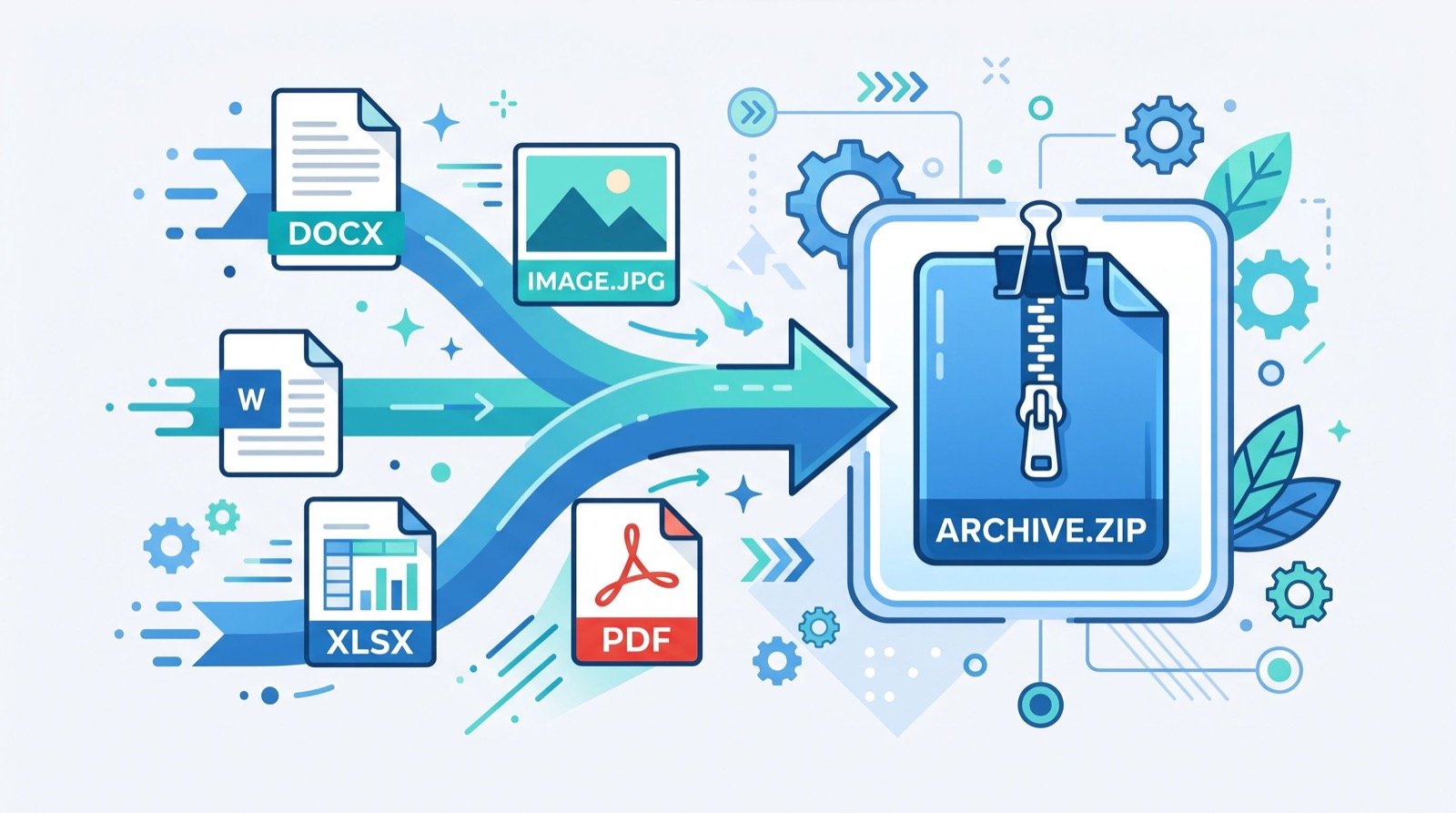
Here is how a connected workflow runs. Notice how little data is retyped.
- A lead enters your CRM with its legal name in Arabic and English and its VAT number.
- Sales builds a quotation from that record, with correct line items and 15 percent VAT.
- The customer accepts, and the quotation converts into a draft invoice without rekeying.
- The system generates UBL 2.1 XML, applies the cryptographic stamp and the QR code.
- Standard invoices are cleared through Fatoora, simplified ones are reported within 24 hours.
- The cleared invoice is stored against the customer, ready for month-end reconciliation.
Why connect Fatoora integration to your CRM?
When invoicing is bolted on separately, the same customer gets entered two or three times, and small differences in the Arabic legal name cause rejected invoices. A connected approach fixes that. Good CRM software in Saudi Arabia keeps one clean record of each customer, so the details that ZATCA checks are entered once and reused everywhere.
The benefits stack up:
- Fewer rejected invoices from mismatched names or VAT numbers.
- Faster quote-to-invoice conversion with no retyping.
- A single view of what each customer was quoted, invoiced and paid.
- Cleaner month-end VAT reconciliation because totals build as you go.
Comparison: separate tools versus a connected platform
| Step | Separate tools | Connected platform |
|---|---|---|
| Customer entry | Repeated in each tool | Entered once |
| Quote to invoice | Manual re-keying | One-click conversion |
| Fatoora clearance | Exported and uploaded | Automatic |
| VAT reconciliation | Spreadsheet matching | Built in |
| Audit trail | Scattered | One record per customer |
A practical integration checklist
Before you switch on Fatoora integration, work through this list:
- Verify every active customer’s Arabic and English legal name and VAT number.
- Confirm your VAT treatment for each product and service.
- Run sample standard and simplified invoices through the sandbox.
- Check that QR codes render and the cryptographic stamp is applied.
- Test a credit note so returns do not catch you out.
- Train sales and finance on the quote-to-invoice flow.
If any step feels uncertain, bring in support early. Many companies work with trusted professionals to get the first wave of invoices flowing before relying on the system day to day.
Where Daftarix fits
Daftarix is a cloud business platform for companies in Saudi Arabia. It helps you manage customers, quotations, VAT invoices, support tickets, complaints and maintenance requests in one place, in Arabic and English. Because the CRM, quotations and invoicing share the same data, Fatoora integration becomes an extension of your normal sales process rather than a separate chore.
Daftarix is a paid platform, so when it looks like a fit you can book a demo or get a quote and see the full quote-to-cleared-invoice journey with your own data before you commit.
Common integration problems and how to avoid them
Most failed go-lives share the same root causes, and nearly all of them trace back to messy customer data. When the same buyer exists three times with slightly different spellings, the Fatoora clearance step has no clean record to work from, and invoices bounce. Cleaning your CRM before integration removes that risk at the source.
Watch for these recurring issues:
- Duplicate customer records. Merge them so each buyer has one legal name and VAT number.
- Wrong VAT treatment. Confirm which items are standard, zero-rated or exempt before the first invoice.
- Missing Arabic names. ZATCA checks the Arabic legal name, so fill it in everywhere.
- Untested credit notes. Returns happen early, so test the credit flow before go-live.
- No owner for rejections. Assign one person to watch for and fix rejected invoices daily.
A short data-cleaning sprint before integration is the single highest-value task on this list. It is far cheaper than troubleshooting rejected invoices once real money is moving.
What month-end looks like with a connected system
Month-end is where connected data earns its keep. Because every quotation, invoice and clearance status already sits against the right customer, your VAT totals build throughout the month instead of being assembled in a panic on the last day.
Picture a services company closing September. In a disconnected setup, finance exports invoices from one tool, matches them to quotations in another, and chases support for any disputed charges. With a connected platform, the same person opens one report, sees cleared and reported invoices, spots the two open disputes, and closes the month before lunch.
That calm close is not a luxury. It lets your finance team analyse the numbers rather than just gather them, and it means your filings rest on data you trust.
Frequently Asked Questions
What is Fatoora integration?
It is the Phase 2 connection between your invoicing system and ZATCA’s Fatoora platform, so standard invoices are cleared and simplified invoices are reported automatically, with the required XML, stamp and QR code.
Do I need a CRM to complete Fatoora integration?
No, but connecting your CRM means each customer’s legal name and VAT number are entered once and reused, which reduces rejected invoices and speeds up the quote-to-invoice process.
How are standard and simplified invoices handled?
Standard B2B invoices are cleared by ZATCA before you share them. Simplified B2C invoices are reported within 24 hours and carry a QR code. Both use XML and a cryptographic stamp.
When does my business need to integrate?
Phase 2 onboarding is grouped by annual revenue. Match your revenue to the published bands and confirm your window against ZATCA’s current wave announcements.
Final thoughts
Fatoora integration is far easier when your customer, quotation and invoice data already live together. Clean your records, test in the sandbox, and let the quote-to-invoice flow do the heavy lifting. For the official rules, review the ZATCA e-invoicing portal, and when you want CRM, quotations and compliant invoicing in one platform, book a demo with Daftarix.